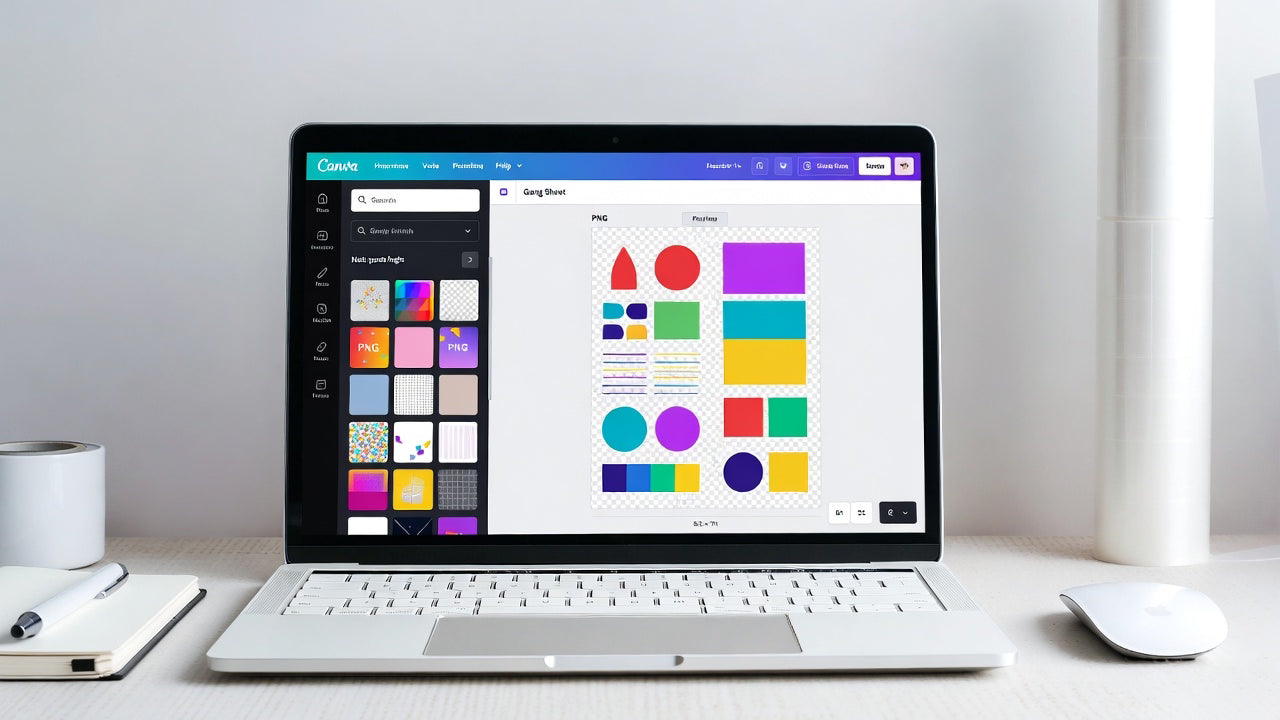
Designing a gang sheet for DTF printing does not require expensive software or professional design skills.
With a free Canva account, you can easily create a clean, print-ready gang sheet in just a few minutes.
This guide will walk you through exact steps to design a gang sheet for free, even if you are a beginner.
This method works perfectly for DTF transfers, custom apparel, small businesses, and online brands.
What Is a Gang Sheet in DTF Printing?
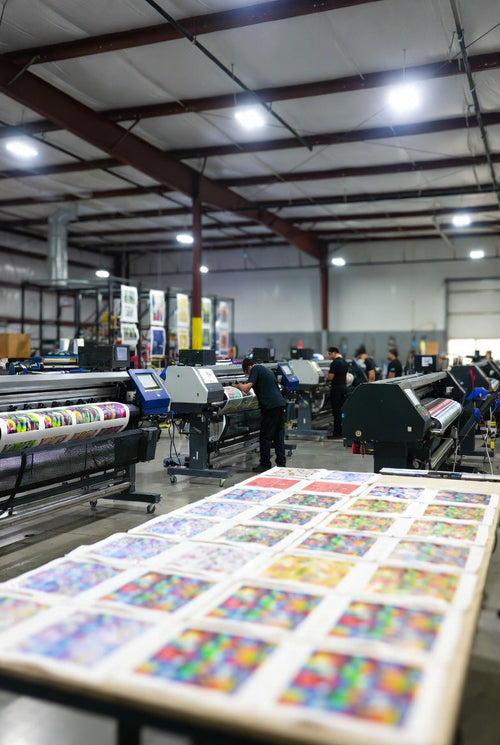
A gang sheet is a single sheet that contains multiple designs placed together.
Instead of printing each design separately, all artwork is printed on one sheet to:
- Save printing cost
- Reduce film waste
- Speed up production
- Handle bulk orders easily
Most DTF printing services, including EzDTF Maker, accept gang sheets that are properly sized and ready to print.
What You Need Before You Start
Before designing your gang sheet, make sure you have:
- A free Canva account
- Your artwork files (PNG preferred, transparent background)
- Final size requirements for your DTF sheet or roll
- Basic idea of how large each design should be on apparel
Step 1: Create a New Design in Canva
If you do not already have a Canva account, sign up using your email address.
Once logged in:
- Click “Create a Design” (top-right corner)
- Select Custom Size
- Choose inches as the unit
This allows you to control the exact size of your gang sheet.
Step 2: Set the Correct Canvas Size
Before entering any size, confirm the DTF film size you are ordering.
Common Examples:
- Sheet film: 8.5 × 11 inches
- Roll film: Custom length (based on order)
For example, EzDTF Maker’s standard A4 DTF sheet size is 8.5 × 11 inches, so you would enter:
Starting with the correct canvas size helps avoid:
- Scaling issues
Incorrect print sizes
Wasted film
Step 3: Upload Your Artwork
Click the Uploads tab in Canva and upload your design files.
You can upload:
- Logos
- Text designs
- Graphics
- Full artwork
💡 Tip:
Use PNG files with transparent backgrounds for the best DTF results.
Canva also offers text and element tools, but for DTF printing, it is best to use already finalized designs.
Step 4: Arrange and Adjust Your Layout
Drag each design onto the canvas and arrange them carefully.
Best Practices for Layout:
- Resize designs using the corner handles (keeps proportions correct)
- Rotate designs if needed to save space
- Keep small gaps between designs for easy cutting
Common Design Sizes:
-
Left chest logos: ~4 inches wide × 2 inches tall
-
Full front designs: Size depends on garment (usually 9–11 inches wide)
-
Sleeve designs: 2–3 inches wide
Always size designs based on how they will appear on the garment, not just how they look on screen.
Step 5: Review Before Downloading
Before exporting your gang sheet, double-check:
- All designs are sharp and not blurry
- Sizes are correct
- No design is touching the edge
- Spacing between designs is enough for cutting
This step helps avoid reprints and delays.
Step 6: Download Your Gang Sheet
Once everything looks good:
- Click Share
- Select Download
- Choose PNG as the file type
- Download the file
Your gang sheet is now ready to upload and print with a DTF service like EzDTF Maker.
Why Use Free Tools Like Canva for Gang Sheets?
- No design software cost
- Beginner-friendly interface
- Fast setup
- Works on desktop and mobile
- Perfect for small businesses and startups
Many apparel brands use Canva to prepare gang sheets before ordering ready-to-press DTF transfers.
Final Tips for Better DTF Gang Sheets
- Always use high-resolution artwork
- Avoid stretching designs too much
- Keep colors vibrant and clean
- Match canvas size exactly to print size
- Follow your printer’s file guidelines
Final Thoughts
Designing a gang sheet for free is simple when you follow the right steps.
With Canva and proper sizing, you can create professional, print-ready gang sheets without spending money on software.
Once your file is ready, you can upload it to EzDTF Maker and get high-quality DTF transfers that are easy to press and built to last.