Ordering a gang sheet with EzDTF Maker is quick, simple, and beginner-friendly.
If your artwork is ready, you can place an order in just a few minutes and get press-ready DTF transfers delivered to your door.
Follow this step-by-step guide to make sure your gang sheet order is correct, print-ready, and hassle-free.
What You Need Before Ordering
Before placing your order, make sure you have:
- A finished gang sheet file
- File format saved as PNG
- Correct size based on sheet or roll
- Clean spacing and proper sizing of designs
This helps avoid reprints and delays.
Step 1: Prepare Your Gang Sheet File
Before uploading, double-check your gang sheet carefully.
Make sure:
- Your file is saved as PNG
- Canvas size matches the sheet or roll you are ordering
- All designs fit inside the selected dimensions
- There is enough space between designs for easy cutting
If you designed your gang sheet in Canva or similar tools, confirm that nothing is stretched or blurry.
Once your file is ready, you can move to ordering.
Step 2: Choose Your Gang Sheet Size
Go to the Gang Sheet product page on EzDTF Maker and select the size that matches your design.
Common Size Options:
-
Sheet sizes – Best for small or single orders
-
Roll or custom sizes – Ideal for bulk printing or large layouts
⚠️ Important:
Your uploaded file size must exactly match the size you select.
This ensures accurate printing with no scaling issues.
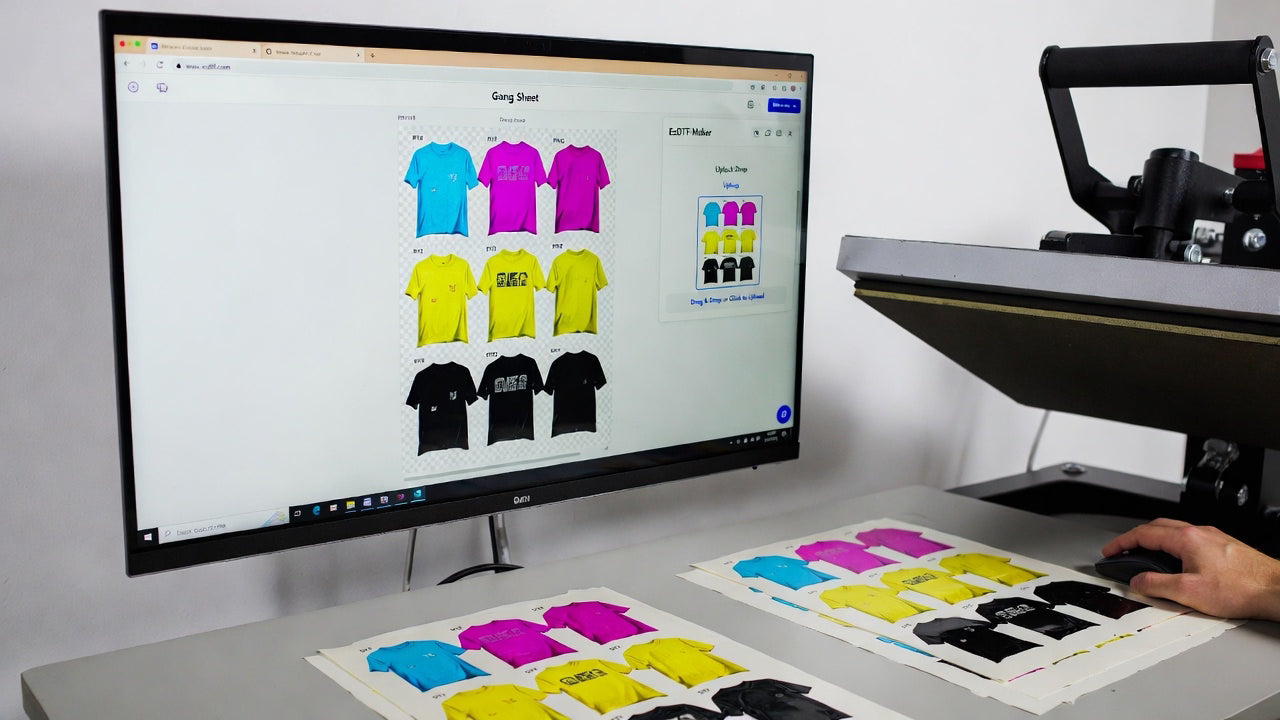
Step 3: Upload Your Gang Sheet File
Upload your completed gang sheet directly on the product page.
Before adding to cart:
- Confirm the orientation is correct
- Make sure no design is too close to the edges
- Check that nothing is cut off
💡 Tip:
What you upload is exactly what gets printed, so take one final look before moving forward.
Step 4: Select Quantity
Choose how many gang sheets you want printed.
Ordering multiple copies of the same file is perfect for:
- Bulk orders
- Repeat designs
- Small businesses producing apparel regularly
Higher quantities also help save time on future reorders.
Step 5: Add to Cart & Checkout
Once everything looks good:
- Add the gang sheet to your cart
- Proceed to checkout
- Enter shipping and payment details
- Review your order
- Place the order
The process is fast and secure.
Step 6: We Print & Ship Your Order
After your order is placed, the EzDTF Maker team handles the rest.
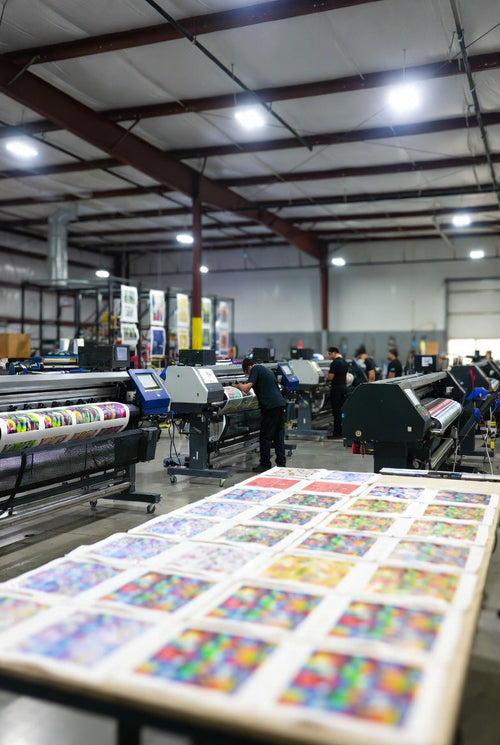
- Gang sheets are printed using professional DTF equipment
- Each order goes through quality checks
- Sheets are packed securely and shipped
Your gang sheets arrive ready to press on apparel like t-shirts, hoodies, and more.
Helpful Tip Before Ordering
If you’re unsure about sizing or layout, reviewing the Gang Sheet Design Guide before placing your order can:
- Save time
- Prevent printing mistakes
- Avoid reprints
Proper preparation always leads to better results.
Why Order Gang Sheets from EzDTF Maker?
- High-quality DTF printing
- Press-ready transfers
- Accurate sizing and clean finishes
- Fast processing
- Suitable for small businesses and bulk orders
EzDTF Maker makes gang sheet ordering simple, even for first-time users.
Final Thoughts
Ordering a gang sheet with EzDTF Maker is easy when your file is prepared correctly.
By following these steps, you can place your order confidently and receive professional, ready-to-press DTF transfers every time.